

This guide covers how to send a website for review in GoProof, what reviewers need, and how to run a second round.
Choose Web Proofing rather than Content Proofing when you upload.
Open the Upload Proof dialog, pick Web Proofing, and choose the section it belongs in. Enter the page address, or upload your ZIP. Give the proof a clear name, such as the page and the build stage.
Add the people who need to review and decide. Make sure at least one person is a gatekeeper. Our guide to proof roles explains the options.
Add a deadline and reminders, write an invite message that says what you want checked, and choose whether the proof is confidential. A good message is specific, for example "Please check the pricing table and the contact form".
Publish the proof. Collaborators receive an email with a link.
Reviewers open the proof in the editor. The first time, they are asked to install the GoProof Web Proofing Extension, which works in Chrome and Edge. Other browsers show an unsupported browser message.
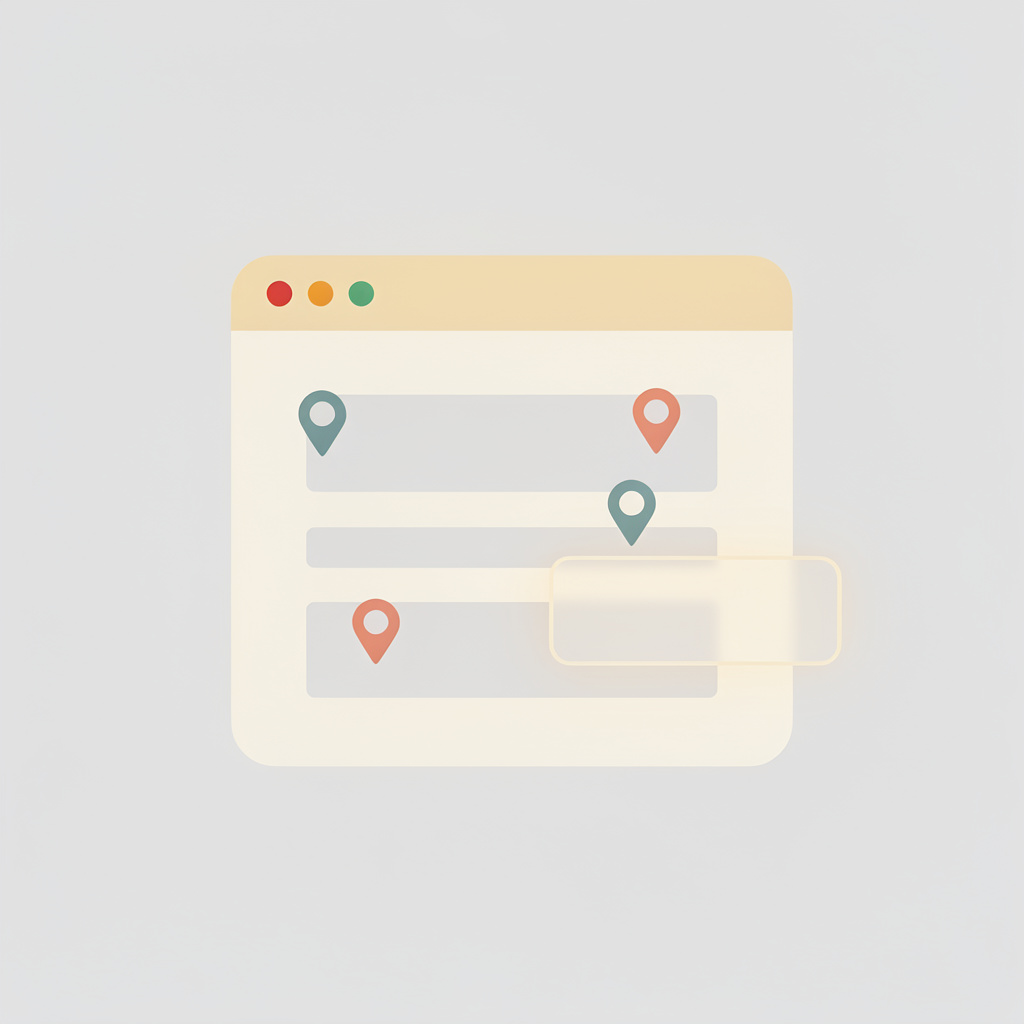
Once the extension is installed, the View Proof button opens the website through it. The reviewer takes a snapshot of the page, and the snapshot arrives in the proof as a new page. From there it behaves like any image proof: pins, boxes, highlights and comments, with replies from others. Take one snapshot per screen state, such as a page with a menu open or a form after an error.
When changes are made, upload the next version. For a proof that started as a ZIP, the next version must be a single ZIP file. The previous collaborators and roles are carried over, and the earlier snapshots and comments remain available for reference. The version history shows what was reviewed and when.
Reviewers do not need a paid account. See whether reviewers need a paid account for the detail.
Smarter Proofing. Faster Approvals. GoProof.
How do I get feedback on a website before it goes live?
Create a web proof in GoProof from a URL or a ZIP of your HTML, invite reviewers, and they comment on snapshots of the page taken with the GoProof Web Proofing Extension.
Which browsers support web proofing?
Reviewers use the GoProof Web Proofing Extension, which works in Chrome and Edge. Other browsers show an unsupported browser message.
Can I proof a site that is not online yet?
Yes. Upload a ZIP file of the HTML content instead of entering a URL.
How do I send a new version of a web proof?
Upload the next version from the proof. If the original was a ZIP, the next version must be a single ZIP file. Collaborators and roles are carried over from the previous version.


