

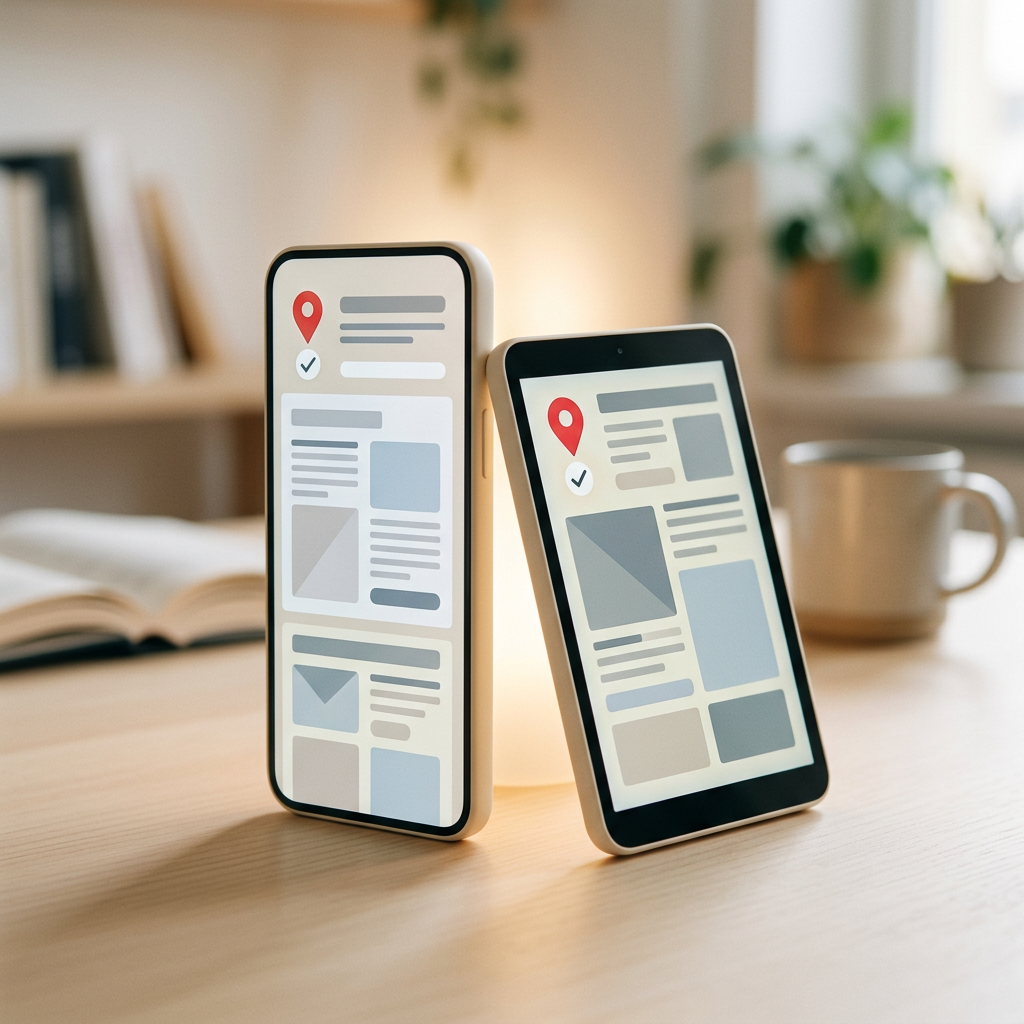
This guide explains what the GoProof mobile experience offers, how to comment on a proof with your thumb, and how to set up the app-style version.
GoProof detects a phone or tablet and switches to a mobile layout in the browser. Open the link in the proof email and you land in the mobile proof editor. Reviewers invited from outside the company go straight to the proofs list and the editor.
Tap Add comment to open the markup tools: pin, draw, box, highlight, tick and cross. Pick one, place it on the artwork, and write your comment. Prefer a shortcut? Press and hold on the proof for about half a second to drop a pin straight away. Pinch to zoom and drag to move around the page.
On a proof set up for simple proofing, there is just the one Add comment button, which keeps things easy for occasional reviewers.
Audio proofs show a waveform. Comments are placed against a time range on it, using pin, tick or cross.
The bottom bar gives quick access to comments, collaborators, attachments, history and a text search on PDF proofs. A To Review tab lists other proofs in the project that are waiting for you, with a count.
The action button offers the decisions your role allows, such as approve, approve with changes, request changes or finish. If a checklist is set to be completed first, it opens automatically. If a newer version exists, the editor tells you so and offers to open it. Read about the proof roles to see who can decide.
GoProof can be added to the home screen as a progressive web app. It then opens in its own window without browser controls and loads faster.
Once installed, GoProof can send push notifications for mentions and proof updates, even when the app is closed. Tapping one opens the proof, at the comment where relevant. On iPhone and iPad, notifications only work after GoProof has been added to the Home Screen. After turning them on, close the app fully and reopen it once so taps open the right page.
The mobile view covers day-to-day work: browsing projects, opening tasks, uploading proofs, reviewing and chatting. Administration and settings pages are best handled on a desktop, and a few specialist proofing tools, such as the colour separation view, are desktop features. Our colour checking guide assumes a desktop screen.
Smarter Proofing. Faster Approvals. GoProof.
Can I approve a proof from my phone?
Yes. Open the proof link on your phone and the mobile editor shows the decisions your role allows, such as approve, approve with changes and request changes.
Do I need to install an app to review proofs on mobile?
No. GoProof works in the mobile browser. You can optionally add it to your home screen for an app-style window and push notifications.
How do I add a comment on a phone?
Tap Add comment and choose a tool such as pin, draw, box or highlight, or press and hold on the proof to drop a pin. Then type your comment.
Why am I not getting push notifications on my iPhone?
On iPhone and iPad, push notifications only work once GoProof has been added to the Home Screen. After enabling them, fully close and reopen the app once.


