

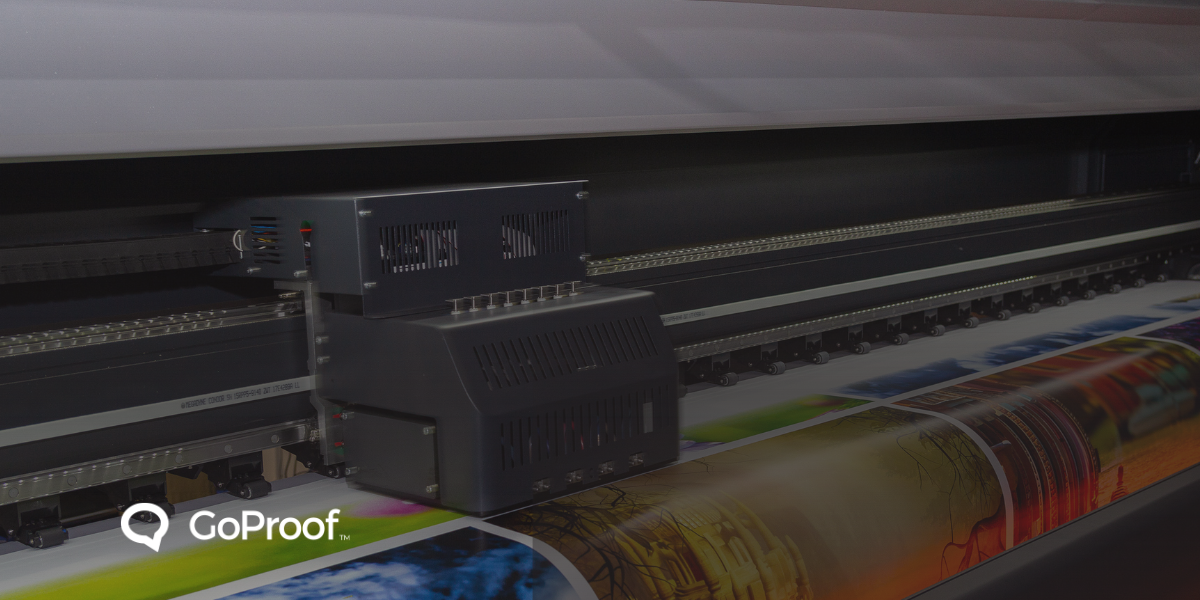
Traditional printing workflows involve multiple manual touches. Printers receive a file and perform technical checks for bleed, resolution, and color profiles. They send a PDF soft proof via email. The client then forwards this file to various stakeholders. This process fragments communication. Feedback arrives in separate email threads or handwritten notes on physical copies. Pre-press operators must consolidate these scattered instructions.
Research shows online proofing reduces revision cycles by an average of 63%. According to Gartner, manual administration consumes up to 51% of a workday on low-value tasks. Adopting digital review tools reclaims this time for actual production.
Print projects often require approval from marketing, legal, and production departments. In a manual environment, these stakeholders work in silos. One person requests a color change while another identifies a typo. These conflicting edits cause delays and lead to version control failures.
Online proofing tools create a single environment for all reviewers. Stakeholders see each other's comments in real time. Features like threaded replies and @mentions resolve contradictions before the file reaches the press. Automated reminders notify stakeholders as deadlines approach. This removes the need for printers to send manual follow-up emails. These automated systems experience faster sign-off because the next person in the chain receives an instant notification when it is their turn to review.
Modern creative review tools integrate with professional design applications. GoProof provides a native extension for Adobe Creative Cloud. Designers launch proofs from InDesign or Photoshop without exporting files. Reviewers suggest text changes directly on the proof. The designer accepts these edits with one click. The software updates the source file automatically. This eliminates manual re-typing and the risk of new typos.
Manufacturing environments require strict adherence to technical specifications. Online proofing platforms include barcode readers, color densitometers, and measurement tools. These features verify dielines and safety margins with pixel-level precision. This level of detail ensures the digital proof matches the final physical product.
The stakes for print accuracy remain high in 2026. A mistake on the press leads to catastrophic financial loss. Direct costs involve wasted paper, ink, and labor. Indirect costs include missed launch dates and damaged brand reputation.
Human error causes 80% of process failures according to the Chartered Quality Institute. Research from the University of Hawaii indicates manual data entry has a 4% error rate. Automation reduces this to 0.01%. When printing fails in the manufacturing sector, Vanson Bourne reports that downtime accounts for 23% of total operational losses. In pharmaceutical or food industries, incorrect print data leads to expensive product recalls and legal fines.
Digital proofing creates an automated audit trail. This record shows every comment and final sign-off. If a dispute arises, the printer has timestamped evidence of the approved file. This documentation protects the business from liability and rework expenses.
Effective print workflow automation connects every stage of production. Advanced systems integrate with Management Information Systems (MIS) and Enterprise Review Planning (ERP) platforms. This integration allows for real-time job tracking and inventory management.
Printers report a 9% reduction in paper waste after adopting automated inkjet workflows, according to I.T. Strategies. Margins increase by 8% when teams remove manual intervention from the pre-press stage. Automation remains the most reliable lever for protecting profit in a competitive market.
Remote design teams face unique challenges with file sharing and collaboration. Collaborative proofing software acts as a virtual light table. It allows users in different time zones to review high-resolution assets simultaneously. Cloud-based storage ensures everyone accesses the latest version. This eliminates the confusion of working on outdated files.
Investment in these tools delivers a fast return. IDC reports companies save an average of $46,000 annually by automating repetitive tasks. Forrester research suggests some firms report savings of $500,000 per year by cutting manual labor costs. Digital proofing also saves 98% on paper and ink costs associated with hard copy proofs. Carbon emissions drop by 97% because teams no longer ship physical mockups.
Printers must map out existing workflows before selecting software. Identify specific bottlenecks in the current review process. Train internal teams and external stakeholders on the new platform. Standardize file formats and naming conventions to ensure consistency.
Use built-in analytics to monitor progress. Track the time spent on each review stage to identify remaining delays. Implement version comparison tools to highlight changes between iterations. This ensures reviewers focus only on new edits.
Smarter Proofing. Faster Approvals. GoProof.


