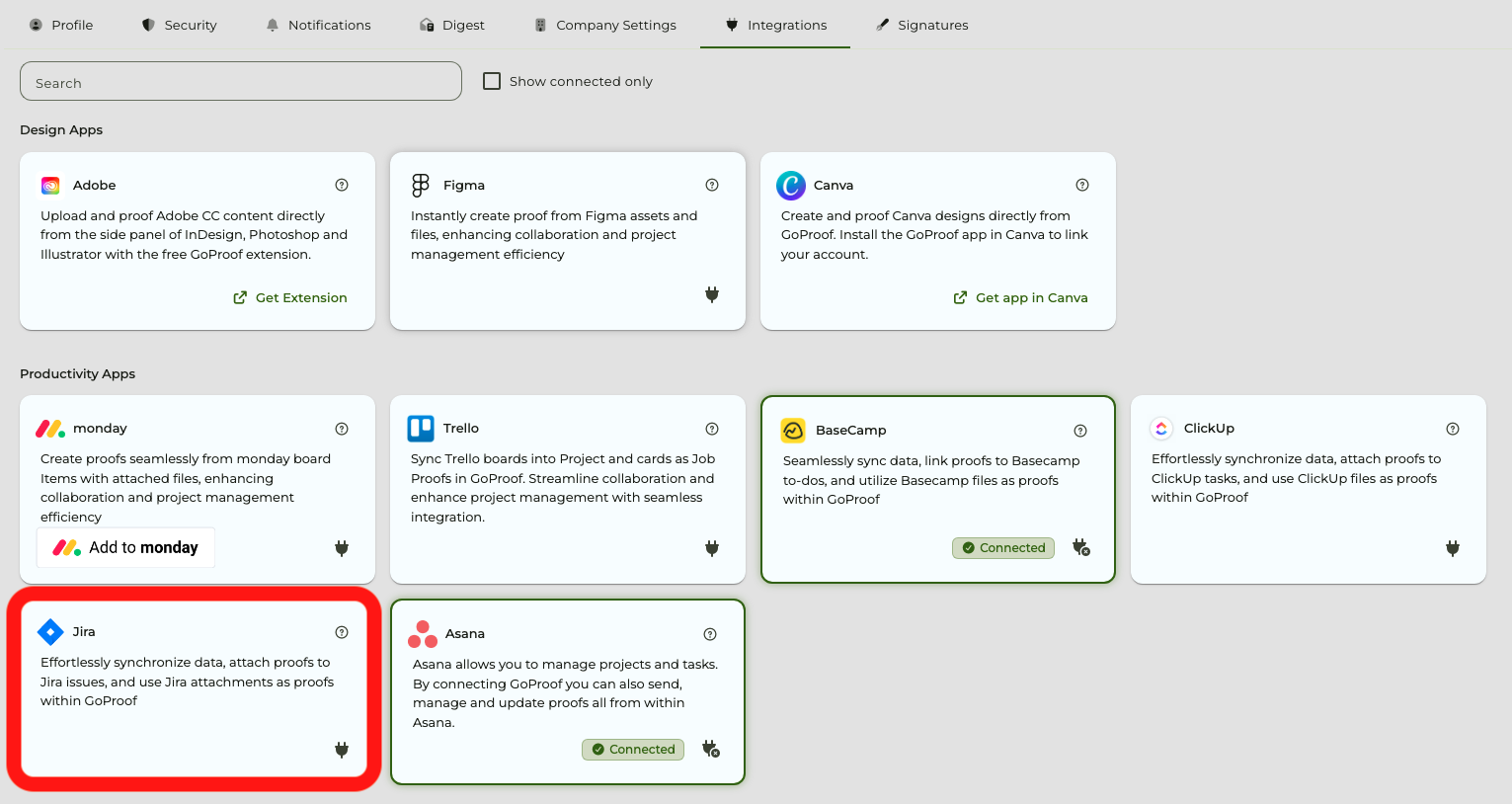
Take your creative operations to the next level with GoProof for Jira. Manage your projects and tasks by connecting GoProof to send and update proofs all from within Jira.
Login to your GoProof account.
Go to the Apps page via your profile name (top-right corner) > Apps.
Enable the Jira card.
Login to your Jira account and allow the integration between Jira and GoProof.
Your GoProof and Jira accounts are now connected.
Before you can use GoProof within Jira, you will need set up GoProof in Jira. To learn how to do so, click here.
By clicking “Accept”, you agree to the storing of cookies on your device to enhance site navigation, analyze site usage, and assist in our marketing efforts. View our Privacy Policy for more information. Update your Cookie Preferences.