

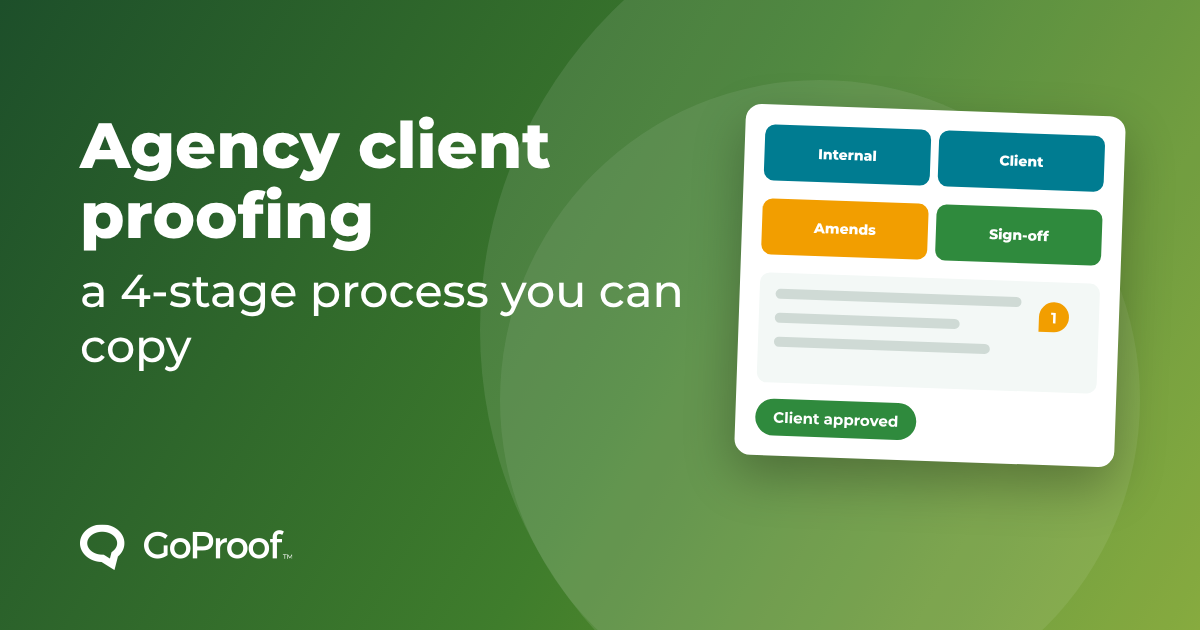
This template has four stages. Each has an owner, a deadline and a clear finish line. Copy it and change the details to suit your clients.
Put these in the proposal or kick-off email:
Clients accept structure when it is explained up front. They push back when it appears halfway through a project.
Nothing goes to the client until your own team has reviewed it. Check it against the brief, proofread the copy and test the links. This is the cheapest place to catch errors. Owner: the account manager or project lead. Finish line: the checklist is ticked.
Send the proof with a due date and a short note saying what you want feedback on. Reviewers can comment from a link without a licence. With GoProof, reviewers and guests are unlimited, so you can include everyone who needs to see it. Owner: the client's nominated gatekeeper. Finish line: one consolidated set of changes.
Ask the client to name a gatekeeper who merges comments before they come back to you. It turns six conflicting opinions into one list. For help with this, read How to Give Clear and Actionable Feedback With GoProof.
Your designer works through the consolidated list and replies to each comment as done, or declined with a reason. A new version is uploaded, and reviewers can compare it with the last one. Owner: the designer. Finish line: every comment is closed.
If a comment is out of scope, say so politely and point to the agreed rounds. Having it all in writing in the tool makes this easier.
The client's approver signs off in the tool. The approval is logged against the version, with the name and the time. That record is what you point to if anyone later asks what was approved. Owner: the client approver. Finish line: recorded decision.
Set due dates on each proof and use reminders so you are not chasing by email.
Vague comments such as "make it pop" slow everything down. Ask for a pin on the exact spot and one sentence on what is wrong. For more on this, read How to Handle Unhelpful Design Feedback.
It is the agreed set of steps an agency follows to share work with a client, collect feedback, make changes and get formal sign-off.
Two or three rounds is common. The number matters less than agreeing it in writing up front and explaining what extra rounds cost.
No. Reviewers and guests are unlimited and need no licence. Only admin and member users need one.


